
How to turn off after cooking
Our AI Chef Says
To turn off a commercial induction cooker or oven after cooking, the process is typically straightforward, but it can differ slightly depending on the model. Here’s a general guide:
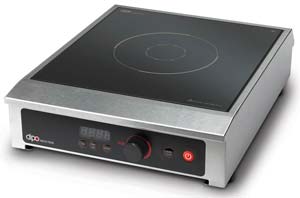
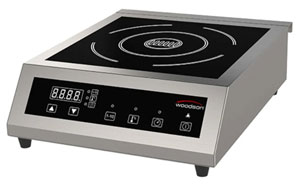
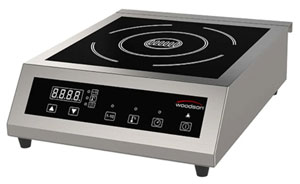
1. **Induction Cooktop (like Woodson WI.WKCT.1.3500.W or Dipo DC23)**:
- **Stop Cooking**: Most induction cookers have a dedicated power or stop button. Press this to halt the cooking process.
- **Power Off**: Once you have stopped cooking, look for the main power button. Press this to completely turn off the cooktop.
- **Cooling Down**: Some units may have a cooling fan that continues to run for a short time after turning off. Ensure to give it a moment to cool down before cleaning or storing.
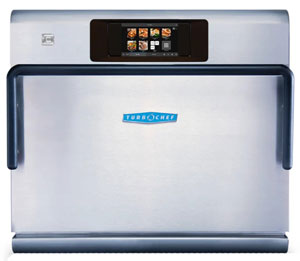
2. **Ovens (like TurboChef SPTC.ECO.BL)**:
- **Stop Cooking Function**: If the oven has a specific 'stop' or 'clear' function, use this to end the cooking cycle.
- **Power Off**: After the cooking cycle is complete, locate the main power button and switch it off. Make sure any displays indicate that the oven is no longer active.
- **Close Door**: For ovens, it’s best to close the door to maintain the temperature and safety after use.
For specific instructions, always refer to the operating manual of the equipment, as it provides detailed steps for operation and safety features. If you have further questions about operation or safety concerns, feel free to ask, or consult with a professional or the supplier for assistance.
Feel free to explore models from reputable brands you might consider for your commercial kitchen: Woodson, Dipo, and TurboChef offer reliable options for induction cooking and rapid cooking.
Was this helpful?
0
Ask The Chef A New Question
Need More Help?
Feedback Received
Thank you for your feedback! This helps us improve our knowledge base.