
Display not working
Our AI Chef Says
If your display unit is not working, there are several steps you can take to troubleshoot the issue:
1. **Check Power Supply**: Confirm that the unit is plugged in properly and that there is power to the outlet. You can test the outlet with another device to ensure it’s functioning.
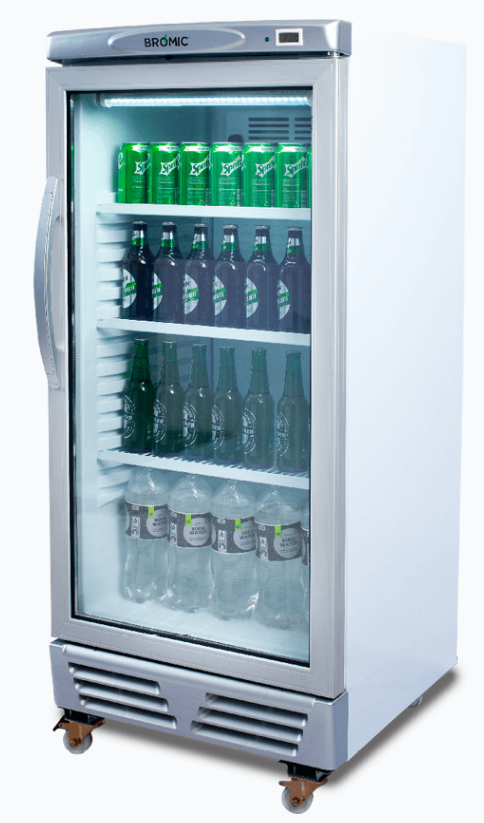
2. **Examine the Settings**: Make sure the temperature controls are set correctly. For example, if you're using a Bromic GM0690L Display Chiller, ensure that the Carel digital temperature control settings are adjusted to the desired temperature range.
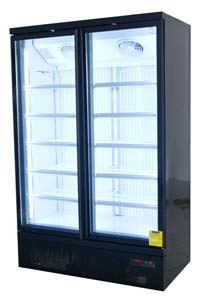
3. **Inspect the Display Doors**: For models like the Saltas NDA2150 Double Door Display Freezer, check that the doors are closing properly. Gaps can lead to temperature fluctuations and affect performance.
4. **Clean the Condenser Coils**: Dust and dirt buildup can impede airflow and cooling efficiency. Regular cleaning of the coils can help maintain optimal performance.
5. **Look for Fault Indicators**: Check for any error messages or indicators on the control panel. For instance, some models may have diagnostic lights that can give you more information about the malfunction.
6. **Check for Blockages**: Ensure that air vents are not blocked by stored items, which can affect airflow and cooling.
7. **Consult the Manual**: Refer to the user manual specific to your model for troubleshooting tips.
8. **Contact a Professional**: If none of these steps resolve the issue, it may be necessary to consult with a technician. It’s best to seek help from professionals who are familiar with the specific equipment you are using.
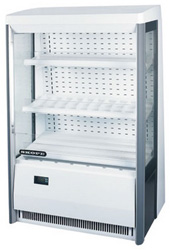
If you are considering repairs or replacements, you can explore options like the Skope OD1100 Cold Open Deck Display or others listed on our website, which offer reliable performance and various features suited for commercial kitchens. If you need more assistance or specific equipment recommendations, feel free to ask!
Was this helpful?
0
Ask The Chef A New Question
Need More Help?
Feedback Received
Thank you for your feedback! This helps us improve our knowledge base.